Emergency Service Websites

A website for the moment something has gone wrong.

Emergency customers do not compare. They search, they call, and they choose whoever answers. The first screen has to settle three questions — are you open, do you cover this address, and what number do I call — before anything else on the page matters.

Free written scope and fixed price within 3 business days. Most builds take 4–6 weeks. No obligation.

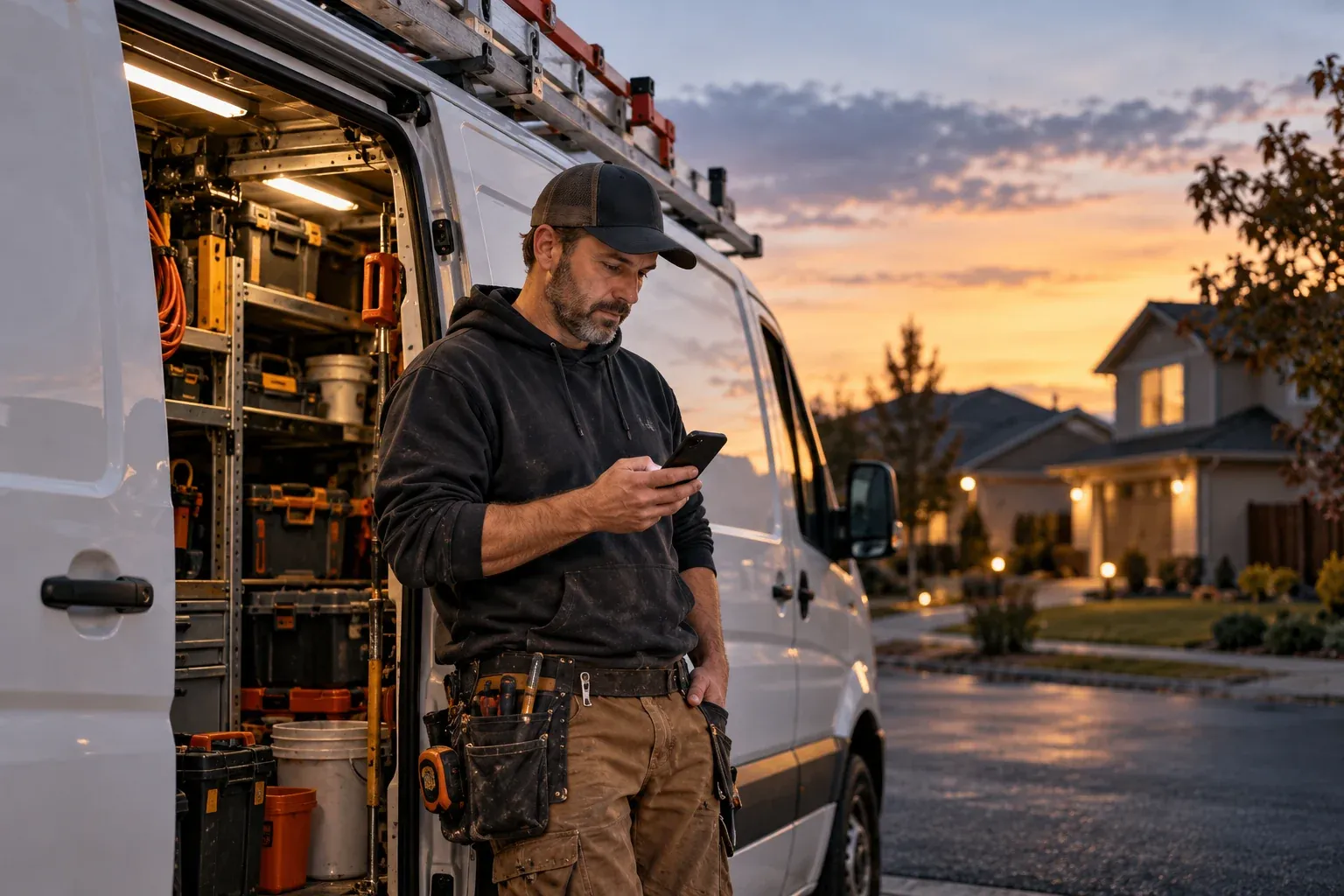
A service technician checking a phone beside an unbranded work van at dusk

Concrete Scope

What an emergency-first website includes

Here is what the work covers in practice, agreed upon in writing before we begin.

  1. Sticky tap-to-call headerThe number visible and tappable on every screen without scrolling.
  2. After-hours routing explainedWhat actually happens when the office is closed, written to match your phone.
  3. Coverage list or boundaryThe towns and radius your crews genuinely reach, stated once.
  4. Trust signals near the call buttonLicense, insurance, real address, and reviews close to the first action.
  1. Emergency message at the very topAvailability stated before anything else, in one line.
  2. Separate emergency service pagesCrawlable pages for burst pipes, no heat, sewer backup, and storm damage.
  3. Call-out and diagnostic fee policyStated before the visit, so the price conversation starts early.
  4. Fast on a weak signalCompressed images and static HTML so the page opens on a bad connection.

Two paths

The same website serves two different situations.

One is standing in water. The other is planning next spring. They arrive with different urgency and leave by different routes, so the site keeps their paths apart instead of compromising on one.

Two paths, one website

Separated on purpose · different urgency, different action

Something has already gone wrong.

Emergency path

  1. Searches on a phone

    Standing in water, or with no heat, and not comparing options.

  2. Confirms you cover the address

    One line or a short town list, answered before anything else.

  3. Taps the number

    The call action sits in the sticky header and again in the first screen.

  4. Reaches the stated call route

    The page says whether the call reaches the business, an answering service, or voicemail outside opening hours.

Ends in a phone call

The form stays available for people who cannot talk, but it never sits in the path of the call.

The job can wait for a quote.

Planned-work path

  1. Compares the service

    Researching scope, materials, and whether the work is a fit.

  2. Checks recent work and the fee policy

    Real job photos, and what a visit or estimate costs.

  3. Sends the details with photos

    A short request form that carries the address and the problem.

  4. Receives the next step in writing

    The business confirms whether it can estimate from the details or needs to inspect the job first.

Ends in a written estimate or scheduled visit

The same site serves both visitors, but the two paths are kept apart so neither slows the other down.
Opening hours belong to your business. Not every trade runs around the clock, so the site states the hours you actually keep and what happens outside them — rather than claiming 24/7 because a competitor does.

How the work is evaluated. Description of how the work is evaluated — not an outcome claim.
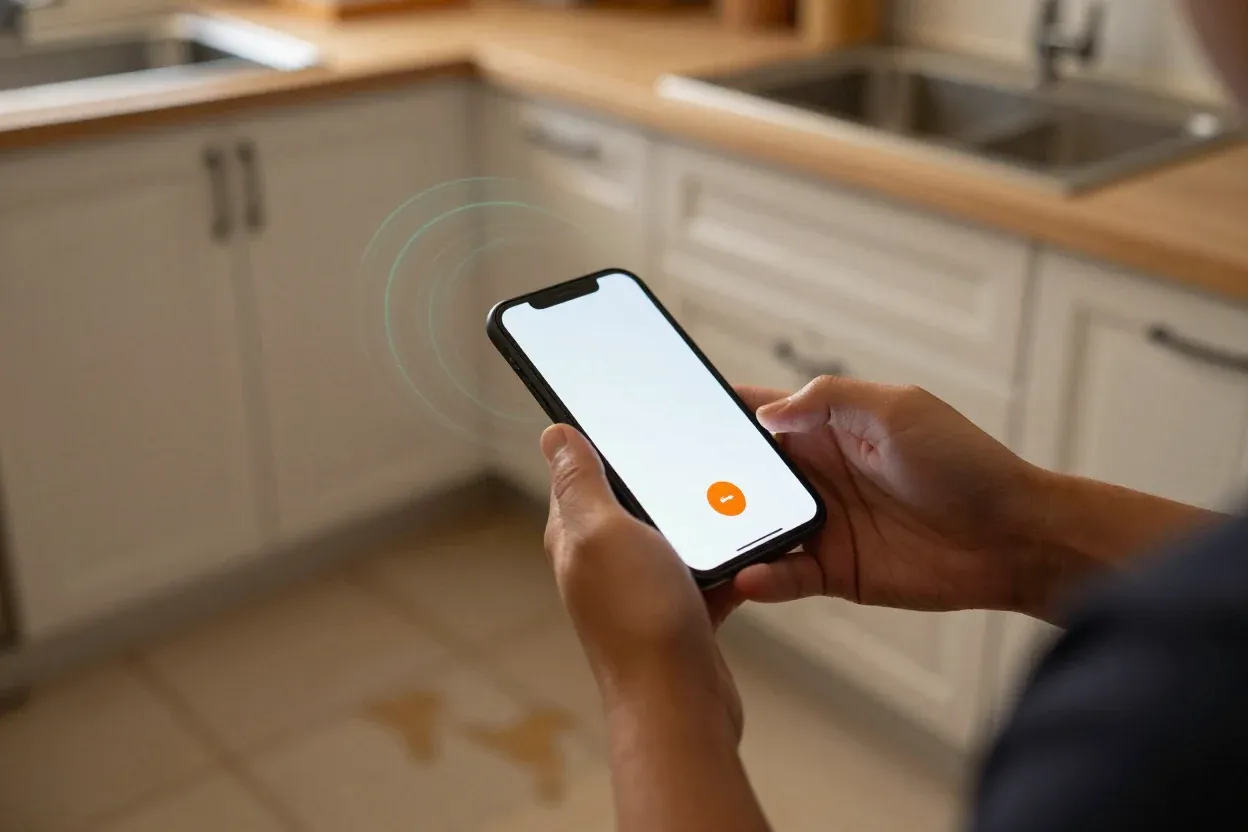
A person in a kitchen with water on the floor, thumb on a call button on a phone
Searches nowChecks the areaTaps to call

The call comes before the form

An emergency visitor is usually on a phone, often with one hand free. The number belongs in the sticky header and again at the top of the first screen as a tappable button, not at the bottom of a page they will never reach.

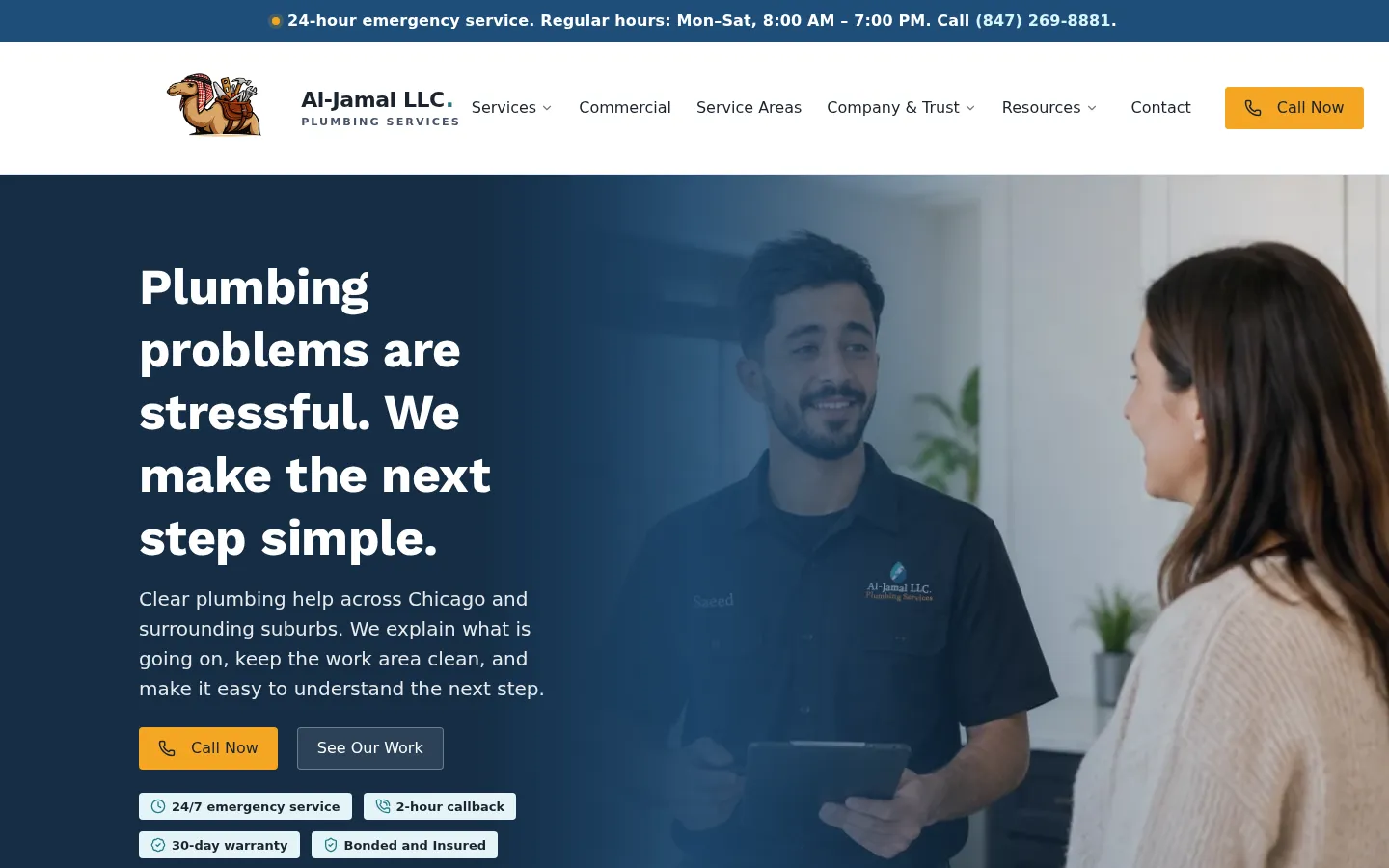
On the Al-Jamal Plumbing build, that meant a 24-hour emergency message at the very top and call buttons in both the header and the first screen. A form can still exist for people who cannot talk, but it does not sit in the path of the call.

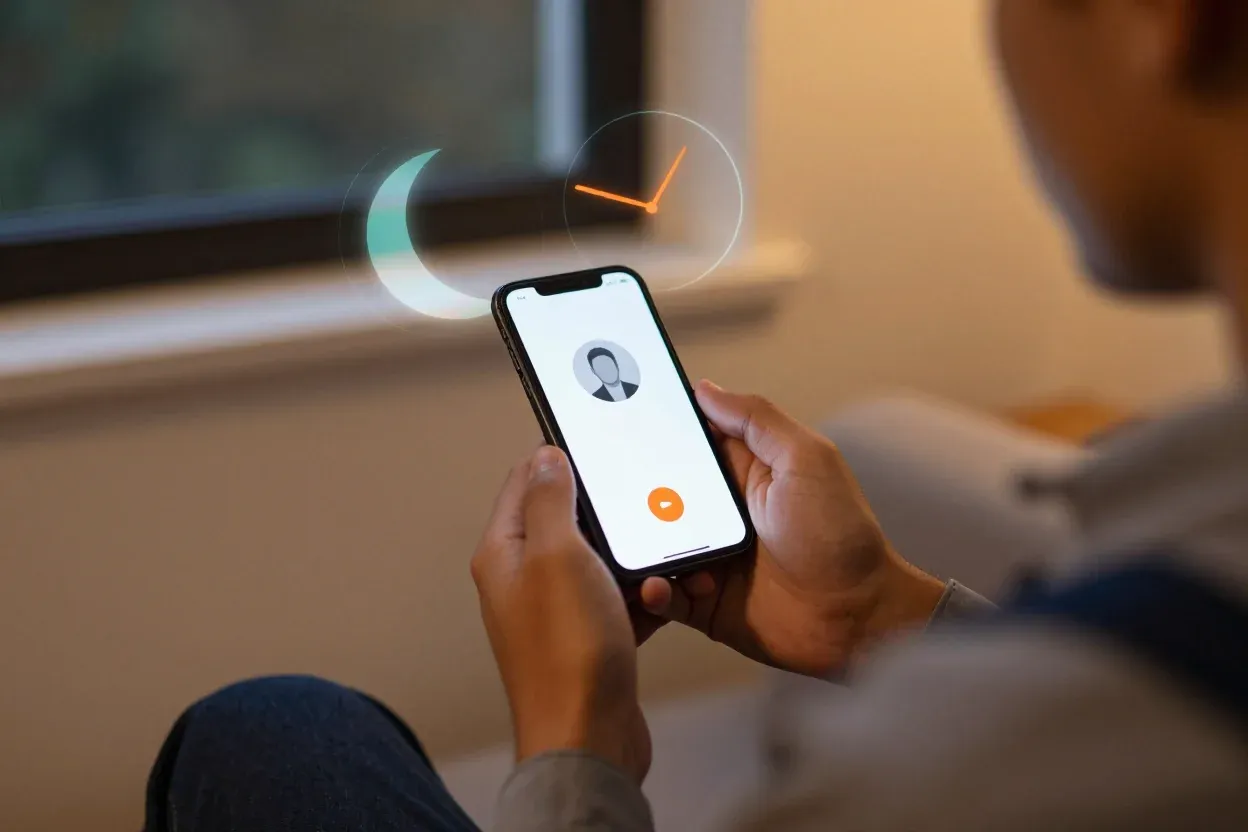
A person on a sofa in the evening with an incoming call on the phone, a holographic moon and clock beside it
Call at 2 a.m.Someone dispatchesAnswering service named

After-hours claims that match the phone

Writing 24/7 on a website is easy. Making it true is the work: the number that rings at 2 a.m. has to reach someone who can dispatch, and the site has to say what happens if nobody picks up.

If after-hours calls go to an answering service, the page says so plainly. A promise the phone cannot keep costs more than the call it wins.

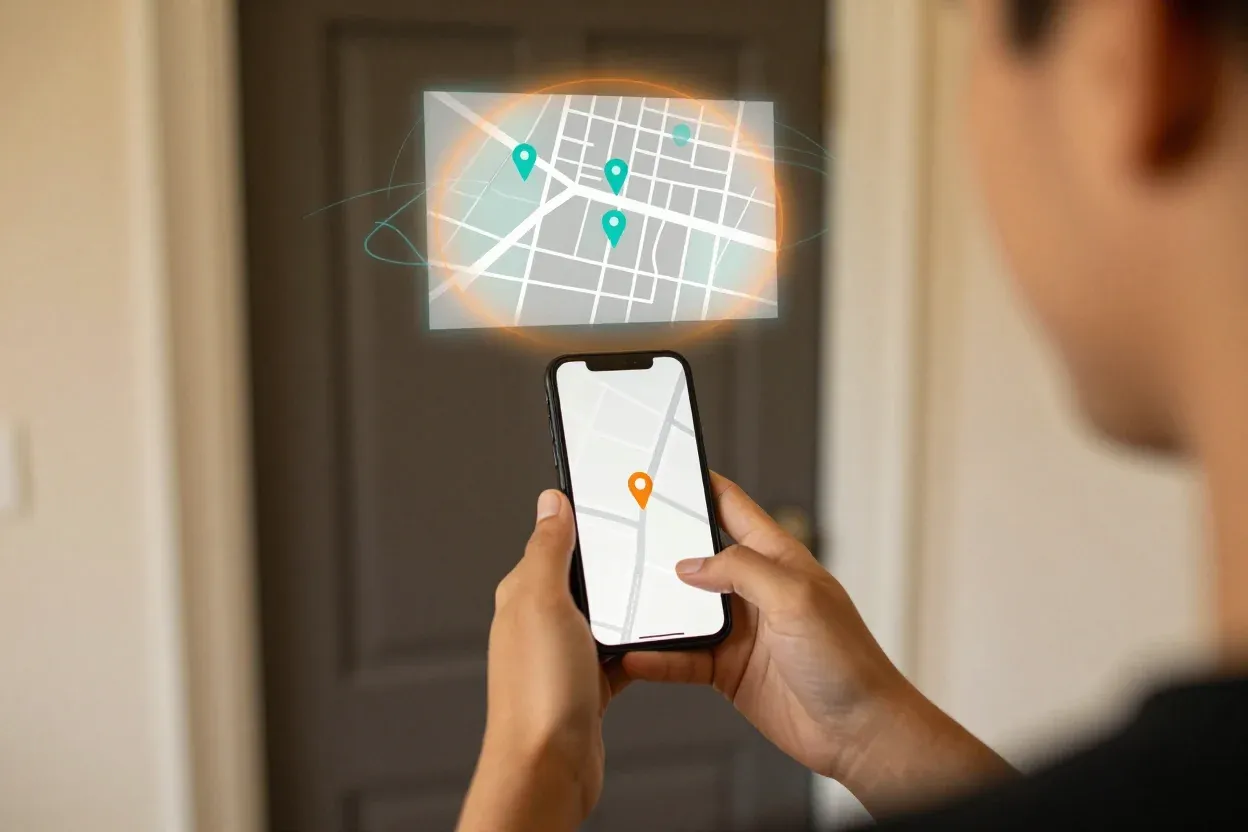
A person at a front door holding a phone map, a holographic map with town pins inside a boundary ring
Town listReal boundaryYes or no

Coverage answered in one glance

Nobody standing in water reads a paragraph about your service area. A short list of towns, or the edge of a boundary, answers the only question that matters tonight: will you come here.

That list should match the area your crews genuinely reach, not a radius drawn to look larger than it is.

A plumber beside a toolbox holding a tablet of job photos, a holographic check shield and receipt beside it
Real addressRecent job photosCall-out fee stated

Prices and proof before the visit

Trust in an emergency is built in seconds: a real address, a license or registration number where the trade requires one, recent job photos, and a stated policy on call-out or diagnostic fees.

Hiding the fee does not win the job. It moves the argument to the doorstep, after the van has already been dispatched.

Real Project Evidence

See this approach in action

Documented client work built for real customers, not hypothetical mockup concepts.

Plumbing · Chicago & southwest suburbsLive

Al-Jamal Plumbing

A plumbing site built for emergencies: from problem to phone call in a few taps.

What was delivered

  • 24-hour emergency message at the very top
  • Call buttons in the header and the first screen
  • Separate paths for homes and commercial buildings
  • A service-area page for Chicago and the southwest suburbs

"The developer built us a professional plumbing website that makes the next step simple for customers. It clearly presents our services, explains how we work, and makes it easy for people to contact us when they need help."

Saeed Al Jamal · Owner, Al-Jamal LLC
aljamalplumbing.com
Screenshot of the live site, taken October 18, 2026: the Al-Jamal Plumbing website
Screenshot of the live site, taken October 18, 2026
Emergency information and contact actions appear first

Transparent Process

How projects run from start to finish

You work directly with me from the first focused review to final launch. The findings, priorities, deliverables, and costs are explained before any paid work starts.

  1. Step 1 of 4

    Share your business information

    Provide your business, website, and contact information.

  2. Step 2 of 4

    Choose a review

    Select design, technical performance, search visibility, or digital presence.

  3. Step 3 of 4

    Receive written findings

    I review the selected area and send the important findings and priorities by email.

  4. Step 4 of 4

    Choose the next step

    You may make the changes independently or ask TapTheWeb for a written proposal.

Need a new website instead? You get a free written scope and fixed price within 3 business days. Most builds take 4–6 weeks. Start my website

Your business keeps control.

The website, domain, content, and Google accounts belong to you. The written scope explains the setup, handoff, and any optional ongoing service arrangements with zero proprietary lock-in.

Explore the full process

Questions Worth Answering

Frequently asked questions

Common considerations for business owners planning website and search improvements.

Should an emergency trade website use a form or a phone number?

Both, but not equally. The phone number is the primary action and gets the strongest position and color. A short form stays available for people who cannot talk or who are contacting you after the emergency has passed.

We already say 24/7 on our site. Is that enough?

Only if the phone is answered. The page should describe what happens outside business hours: who answers, how fast, and what a call-out costs. If that differs by day, say so.

How many service pages does an emergency site need?

One per problem people actually search for, and no more. Burst pipe, no heat, sewer backup, and storm damage are separate searches with separate urgency. Do not split them by suburb unless you have real work in each town.

Can this be added to an existing site instead of a rebuild?

Often, yes. If the current platform loads quickly on mobile and the pages are editable, the header, first screen, and coverage page can be changed without a rebuild. The written review will say which of the two is cheaper over time.

Next step

See whether emergency service websites should be your next priority.

Tell me what is limiting your website. You receive a clear, written review with practical priorities — no call required to start.

Free written scope and fixed price within 3 business days. Most builds take 4–6 weeks. No obligation.